How-to: Set the L7|ESP Header and Footer Messages
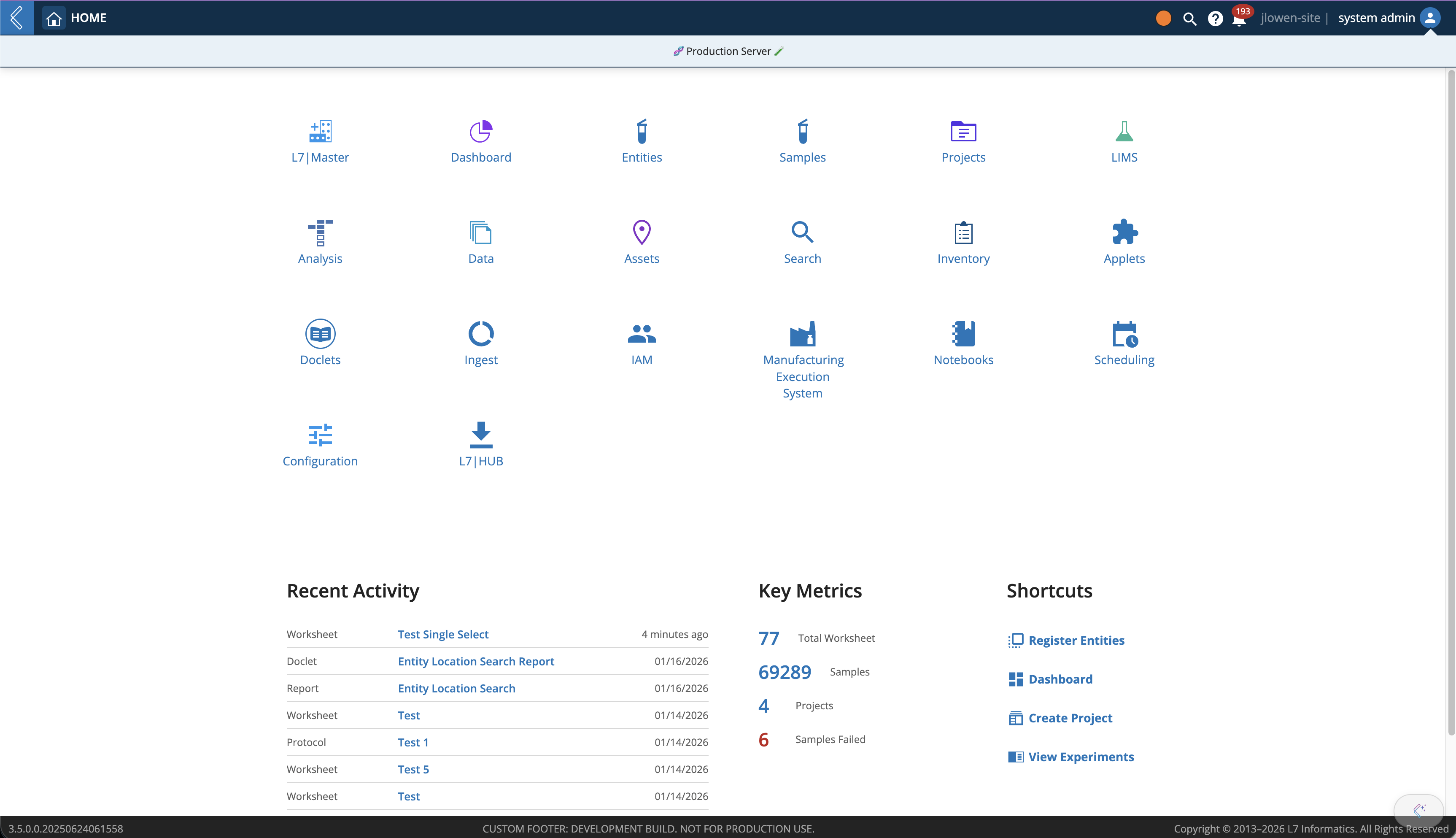 |
The L7|ESP user interface can be set to display a custom header and footer message.
Setting the Header in L7|ESP
The header message can be freely set by the system administrator for each instance of L7|ESP as described below. The header and footer messages will be displayed for all users at the top and bottom of every page in the L7|ESP User Interface.
Setting the header is an administrator permissioned activity. The user attempting to set the header should have the default administrator role “admin” assigned for their user in the Identity Access Management (IAM) application. The steps will fail if the user does not have the necessary permission.
Setting the header requires sending an network call to the ESP application server. While this is generally a developer activity, the steps described here should help guide any administrator through the process. Navigate to the following path by updating your browser URL from your current page (or ESP host address) to the following extension: /main/static/util.html Your browser url bar would be similar to: https://myesp.l7esp.com/main/static/util.html
You will be shown the ESP API Doc tool. You will want to enter the following settings into the displayed fields:
API Endpoint: /api/banner
Method: POST
Data: {"message": “My Custom Header Message”}
Click Execute
Refresh the your ESP homepage to see the new header message.
Setting the Footer in L7|ESP
The footer message is controlled by the license file, which is generated by L7. To update the footer message, please contact L7 Support for an updated license file. Once a new license file has been created, and the primary admin ("system admin", admin@localhost user by default) can upload the new license file using the License Manager in the top-right profile menu.